
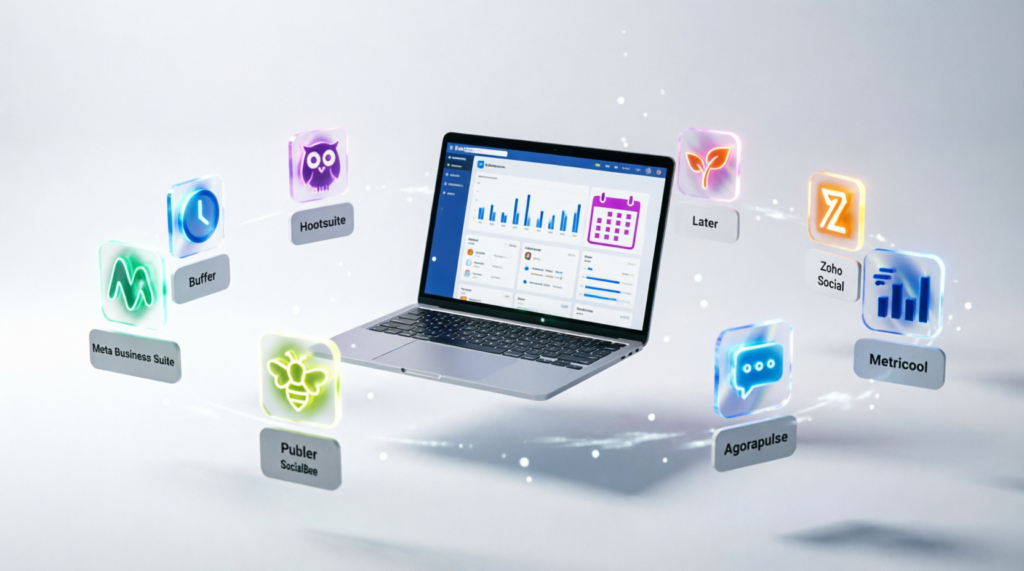
This year’s lineup includes Meta Business Suite, which is completely free and handles most daily tasks. Meanwhile, Buffer offers simple scheduling with a free tier. For agencies, Hootsuite and Sprout Social provide advanced team features. In addition, Later and Publer focus on visual content planning. However, most tools charge per user, so pricing grows quickly as your team expands.
Table of Contents
Introduction
There is a Facebook management tool that is completely free. There is also one built for agencies managing dozens of pages. However, most business owners waste months testing the wrong tools before finding the right one.
The problem is, Facebook management covers many tasks. Scheduling, analytics, messaging, and ads all need different tools. Meanwhile, most platforms only do one or two of these well.
For that reason, here are the best Facebook management tools for business this year. I have ranked them from the most complete to the most specialized. In addition, each tool is covered with its strengths and weaknesses, so you can pick what fits your needs.
1. Meta Business Suite Handles Everything for Free
First of all, Meta Business Suite is the official tool from Meta. It handles scheduling, messaging, analytics, and ads in one dashboard. The best part: it is completely free, with no user limits.
Key Features: Post scheduling, unified inbox, basic analytics, ad management, and Instagram integration.
Pros: Completely free, official Meta tool, handles most daily tasks, and works with Instagram.
Cons: Limited advanced analytics, no team collaboration features, and interface can feel basic.
Link and Check Subscription Plans: business.facebook.com
2. Buffer Simplifies Scheduling
Meanwhile, Buffer is one of the simplest scheduling tools available. It supports Facebook, Instagram, Twitter, LinkedIn, and Pinterest. The free tier allows up to three channels and ten scheduled posts per channel.
Key Features: Simple scheduling, multi-platform support, basic analytics, and a clean interface.
Pros: Very easy to use, generous free tier, supports multiple platforms, and reliable scheduling.
Cons: Limited analytics on free plan, no inbox management, and advanced features require paid plans.
Link and Check Subscription Plans: buffer.com
3. Hootsuite Offers Advanced Team Features
On the other hand, Hootsuite is built for teams and agencies. It supports multiple users, approval workflows, and detailed analytics. It is one of the oldest and most established tools in the market.
Key Features: Team collaboration, approval workflows, advanced analytics, social listening, and multi-platform support.
Pros: Strong team features, mature platform, detailed analytics, and great for agencies.
Cons: Expensive for small businesses, free plan is very limited, and interface can feel overwhelming.
Link and Check Subscription Plans: hootsuite.com
4. Later Focuses on Visual Content
Interestingly, Later is designed for visual platforms like Instagram and Facebook. It offers a drag-and-drop calendar, media library, and visual planning tools. It is especially popular among influencers and lifestyle brands.
Key Features: Visual content calendar, media library, drag-and-drop scheduling, and Instagram-focused features.
Pros: Best visual planning, intuitive interface, great for Instagram, and includes link-in-bio tool.
Cons: Limited analytics, free plan is restrictive, and Facebook features are secondary.
Link and Check Subscription Plans: later.com
5. Sprout Social Targets Enterprise Teams
In contrast, Sprout Social is built for larger teams and enterprises. It offers advanced analytics, social listening, and CRM integration. The pricing reflects its enterprise focus.
Key Features: Advanced analytics, social listening, CRM integration, team workflows, and detailed reporting.
Pros: Best-in-class analytics, strong team features, excellent reporting, and great for enterprises.
Cons: Expensive, no free plan, and overkill for small businesses.
Link and Check Subscription Plans: sproutsocial.com
6. Zoho Social Integrates with Zoho Suite
What is more, Zoho Social integrates directly with the Zoho business suite. If you already use Zoho CRM, this tool fits naturally into your workflow. It offers scheduling, analytics, and team collaboration.
Key Features: Zoho CRM integration, scheduling, analytics, team collaboration, and lead tracking.
Pros: Great for Zoho users, affordable pricing, and integrates with CRM.
Cons: Less useful if you do not use Zoho, limited features compared to Hootsuite, and interface feels dated.
Link and Check Subscription Plans: zoho.com/social
7. Publer Supports Many Platforms
Still, Publer supports more platforms than most competitors. It handles Facebook, Instagram, Twitter, LinkedIn, Pinterest, YouTube, TikTok, and Google Business. The free plan is generous for solo users.
Key Features: Multi-platform support, bulk scheduling, content recycling, and team collaboration.
Pros: Supports many platforms, generous free plan, bulk scheduling, and affordable pricing.
Cons: Interface can be cluttered, analytics are basic, and some features are still in beta.
Link and Check Subscription Plans: publer.io
8. SocialBee Focuses on Content Categories
Additionally, SocialBee organizes content into categories. This helps you maintain a balanced mix of promotional, educational, and engaging posts. It is popular among small businesses and coaches.
Key Features: Content categories, evergreen recycling, scheduling, and basic analytics.
Pros: Great for content strategy, evergreen recycling, and easy to use.
Cons: Limited analytics, no inbox management, and less useful for large teams.
Link and Check Subscription Plans: socialbee.com
9. Agorapulse Combines Management and Reporting
Furthermore, Agorapulse combines social media management with strong reporting. It offers a unified inbox, team workflows, and detailed analytics. It is popular among mid-sized businesses and agencies.
Key Features: Unified inbox, team workflows, detailed reporting, and social listening.
Pros: Strong reporting, good team features, and reasonable pricing for agencies.
Cons: No free plan, learning curve for new users, and pricing grows with users.
Link and Check Subscription Plans: agorapulse.com
10. Metricool Handles Analytics and Scheduling
Finally, Metricool is a tool that focuses on analytics and scheduling in one place. It supports Facebook, Instagram, Twitter, LinkedIn, TikTok, and Google Ads. The free plan is one of the most generous in the market.
Key Features: Analytics dashboard, scheduling, competitor tracking, and ad performance reports.
Pros: Generous free plan, strong analytics, competitor tracking, and multi-platform support.
Cons: Interface can feel busy, advanced features require paid plans, and no inbox management.
Link and Check Subscription Plans: metricool.com
Conclusion
The Facebook management tools above cover a wide range of needs. Meta Business Suite is the best free option for most businesses. Meanwhile, Buffer and Publer serve solo users and small teams. In addition, Hootsuite, Sprout Social, and Agorapulse are built for agencies and enterprises. However, Later and SocialBee focus on visual content and strategy.
Each tool has its strengths and weaknesses. No single platform handles every task perfectly. What matters most is choosing according to your workflow, starting with the free tier, and upgrading only when you truly hit the limit.
Which tool will you try first? Let me know in the comments.
Read also: 10 Best Free Video Editing Software for PC This Year, One Has No Watermark
